 MyToolsBench
Resize Signature
Online applications for jobs, exams and banks usually want a scanned signature at a small pixel size and a tiny file. This page opens at 140 x 60 pixels, a common requirement. Everything runs in your browser — nothing is uploaded. Need a smaller file instead? Compress or convert.
Drag the preview to choose which part of the image is kept. The same framing is used for every image in the batch.
How it looks
Resize Signature on MyToolsBench, resizing a scanned signature — before and after:
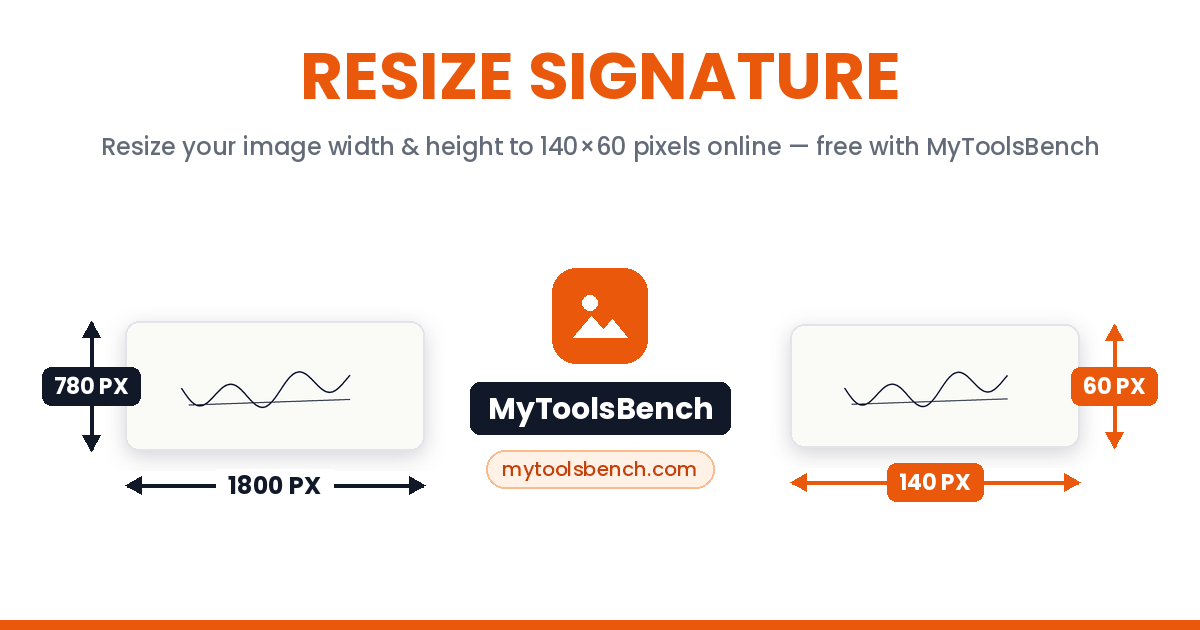
Making a 140x60 signature for online forms
Exam, job and bank forms usually want a signature around 140x60 pixels and only a few kilobytes. Crop tightly around the ink first, then resize here so it fills the frame.
- Add a photo or scan of your signature, cropped close.
- The size is already set to 140x60. If the picture has another shape, drag the preview to choose what stays in the signature image.
- Click Resize and download your 140x60 file.
21:9 landscape
Crop a 4:3 landscape phone photo to 140x60 and about 57% of its height is kept; for an upright 3:4 photo, about 32% of its height is kept.
8,400 pixels, about 1.3 KB–2.6 KB
That is a typical 140x60 photo saved as JPG. Logos and flat artwork saved as PNG are often smaller still.
Start from 280+ pixels
Scaling down from a bigger original keeps edges crisp; a source narrower than 140 pixels must be enlarged and looks soft.
Tiny file as well
A 140x60 JPG of dark ink on white is typically a few KB — under the 10–20 KB limits forms set.
Resize for a specific platform
Jump to a common size:
Other image tools:
The signature image in numbers
| Pixels | 140 x 60 |
|---|---|
| Pixels in total | 8,400 |
| Aspect ratio | 21:9 (landscape) |
| Typical JPG size | 1.3 KB–2.6 KB |
| Print size at 300 DPI | 0.47 x 0.2 in |
| From a 12 MP phone photo | scaled to about 3% of its width |
| 4:3 landscape source | About 57% of its height is kept |
| 3:4 portrait source | About 32% of its height is kept |
Square sizes
Same width and height — profile photos, icons, product shots:
Landscape sizes
Wider than tall — screens, banners, covers and thumbnails:
Portrait sizes
Taller than wide — passport photos, forms and phone screens:
Change the aspect ratio
Paper, print & photo sizes
Paper and photo sizes in mm, cm and inches, plus DPI tools:
Resize for a platform
Ready-made sizes for social profiles and posts:
Online shop sizes
Product photos, banners and logos for Etsy, eBay and Shopify:
Resize tools
Batch resizing, DPI and crop tools:
A clean signature that passes the upload check
1. Sign clearly. Black or dark-blue ink on plain white paper, inside a box roughly 3.5 x 1.5 cm if the form gives one.
2. Photograph or scan it straight on, in good light, with no shadows.
3. Crop tightly around the signature with the cropper — the empty paper is what makes signature files big and blurry.
4. Resize here. 140 x 60 is set for you; change it if your form says otherwise. The signature is fitted by cropping — drag the preview so none of it is cut, or tick "Stretch" to squeeze the whole signature into the box.
5. Hit the file limit with JPEG to 20 KB or 10 KB. Save as JPG unless the form asks for something else.
Similar print and photo sizes
Nearby print sizes, saved at 300 DPI so they print at the right size:
Frequently asked questions
What size should a signature image be for online forms?
Commonly 140x60 pixels and 10–20 KB, in JPG — but forms differ, so always use the numbers in the form's notice.
Can I use a picture smaller than 140x60?
Yes, but it will be enlarged to 140x60, which softens it. For a sharp signature image, start from an image at least 140 pixels wide and 60 tall.
How much of my phone photo is kept at 140x60?
From a 4:3 landscape photo, about 57% of its height is kept; from an upright 3:4 photo, about 32% of its height is kept. Drag the preview to decide which part stays.
How big is a 140x60 signature image file?
Usually 1.3 KB–2.6 KB as a JPG photo. Flat graphics and logos saved as PNG are often smaller; a very detailed photo can be larger.
Are my images uploaded?
No. Resizing happens entirely in your browser. Nothing is transmitted or stored, and you can disconnect from the internet after the page loads and it still works.
Social media sizes
Facebook, Instagram, LinkedIn, TikTok, Discord, Pinterest and more: