 MyToolsBench
Circle Crop Image
Turn any photo into a round picture with a transparent background. Drag the circle over the face or logo, then save a clean PNG ready for profiles, avatars and stickers. Everything runs in your browser — nothing is uploaded. Need exact pixels instead? Resize or compress.
How it looks
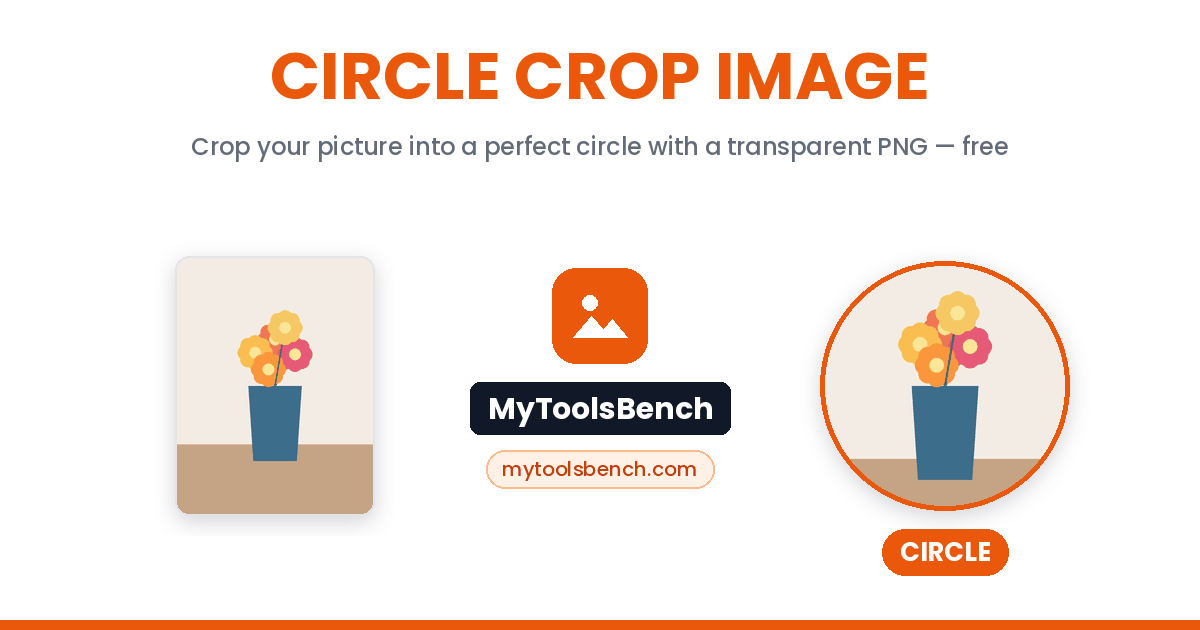
Circle Crop Image on MyToolsBench, cropping a picture into a circle — before and after:
How to make a round profile picture
Choose Circle, drag the round frame over the face or logo, and everything outside it becomes transparent. The result is a square PNG that shows as a clean circle on any background.
- Add your photo or logo.
- Under Drag & ratio choose Circle, then move and size the frame so the eyes sit slightly above the middle.
- Click Apply Crop and download the PNG — the corners are already transparent.
Transparent corners
Outside the circle is see-through, so the picture sits neatly on white, dark or coloured pages.
Always PNG
Only PNG keeps transparency; a JPG would fill the corners with a solid colour.
Leave a margin
Sites that round pictures again trim a few more pixels, so keep a little space above the hair.
Exact size next
Need 400x400 or 800x800? Resize the PNG afterwards; the transparency stays.
Other image tools
Cropping cuts pixels away. For the whole-image jobs, use one of these instead:
Round picture sizes on popular sites
| Instagram profile | 320 x 320 |
|---|---|
| X profile | 400 x 400 |
| WhatsApp DP | 640 x 640 |
| YouTube channel | 800 x 800 |
| Tumblr avatar | 128 x 128 |
Getting a clean round crop
Why it saves as PNG. The corners outside the circle are made transparent, and only PNG keeps that transparency. A JPG would fill them with white or black. Upload the PNG as it is — sites that show round avatars will place it neatly on any background.
Centre the face, leave a margin. Put the eyes slightly above the middle of the circle, with a little space above the hair. Platforms that crop to a circle themselves often trim a few pixels more.
Logos. A round crop suits icon-style logos. If the logo touches the edge of its square, scale it down slightly first so the circle doesn't cut the letters.
Then size it. Most profile pictures display at 100–200 pixels, so resize the PNG afterwards — for example to 400x400 or the Instagram profile size.
More for profile pictures
Size, convert or crop your round picture further:
Frequently asked questions
Why is the background transparent and not white?
So the round picture sits cleanly on any page colour. If you need a white corner, open the PNG in the converter and save it as JPG — the transparent parts become white.
Will the picture look round everywhere?
On any page that shows transparency, yes. Apps that round profile pictures themselves will also accept it; there a plain square works too.
Why does my image viewer show white corners?
Some viewers draw transparent areas as white or a checkerboard. The corners are still transparent in the file.
Can I make the circle exactly 400x400?
Crop it here, then open the resizer and type 400 x 400. PNG transparency is kept.
Can I circle-crop several photos?
Yes. Crop the first, then tick Use this crop for all remaining images, or crop each one in turn.
Are my images uploaded anywhere?
No. Cropping happens entirely in your browser using the Canvas API. Nothing is transmitted, stored or logged, and you can disconnect from the internet after the page loads and it will still work.